Plan
Choose templates, set up your sites and equipment, and schedule audits and routine checks.
Record
Your team completes checks, logs temperatures and captures photo evidence as they work.
Act
Failed checks and out-of-range readings raise corrective actions, which are tracked until they're closed.
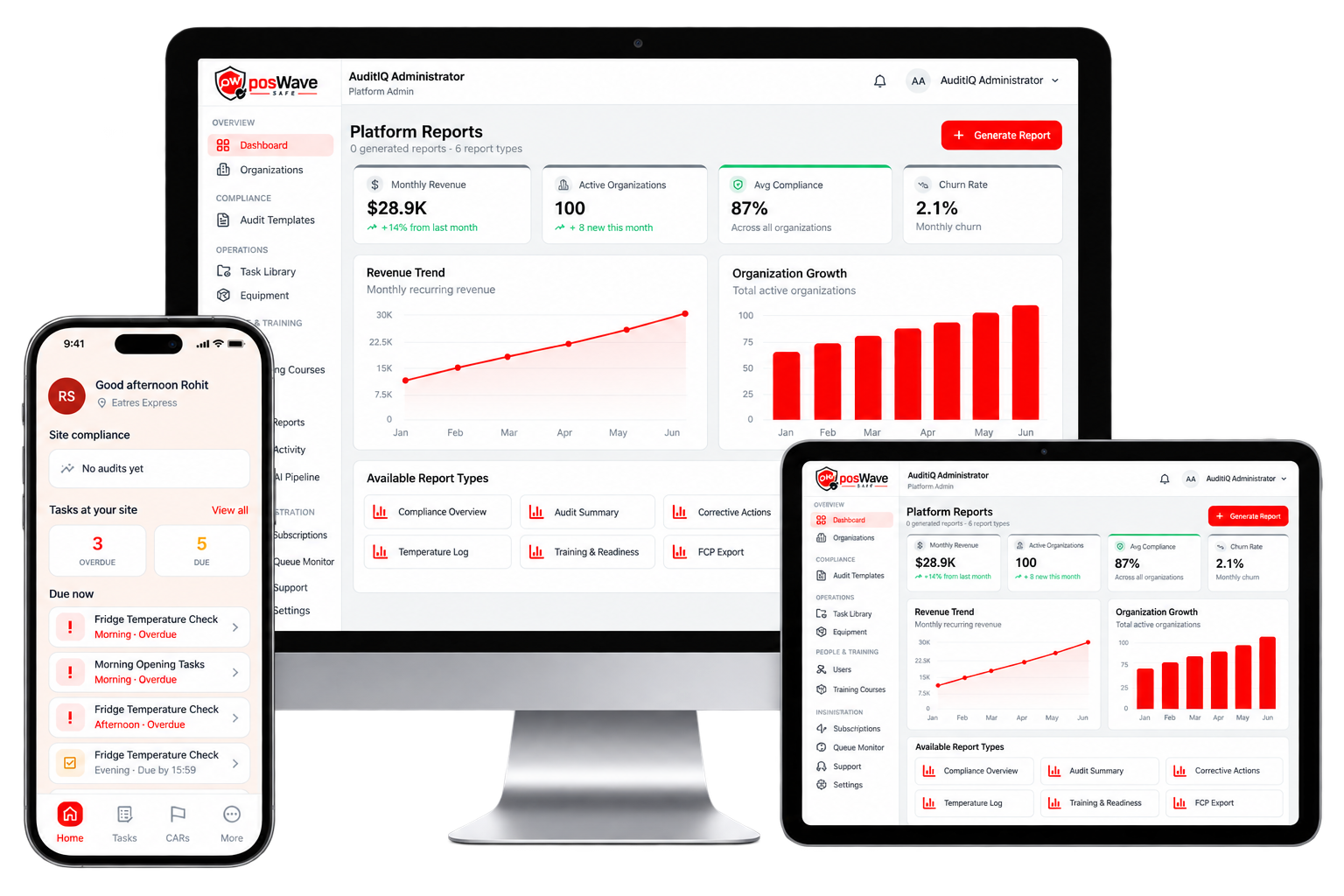
Replace paper diaries with a compliance system your whole team can use.

Everything Your Food Control Plan Needs
Food Safety Audits
Run scheduled audits against your templates, score them automatically and save progress to finish later.
Corrective Actions
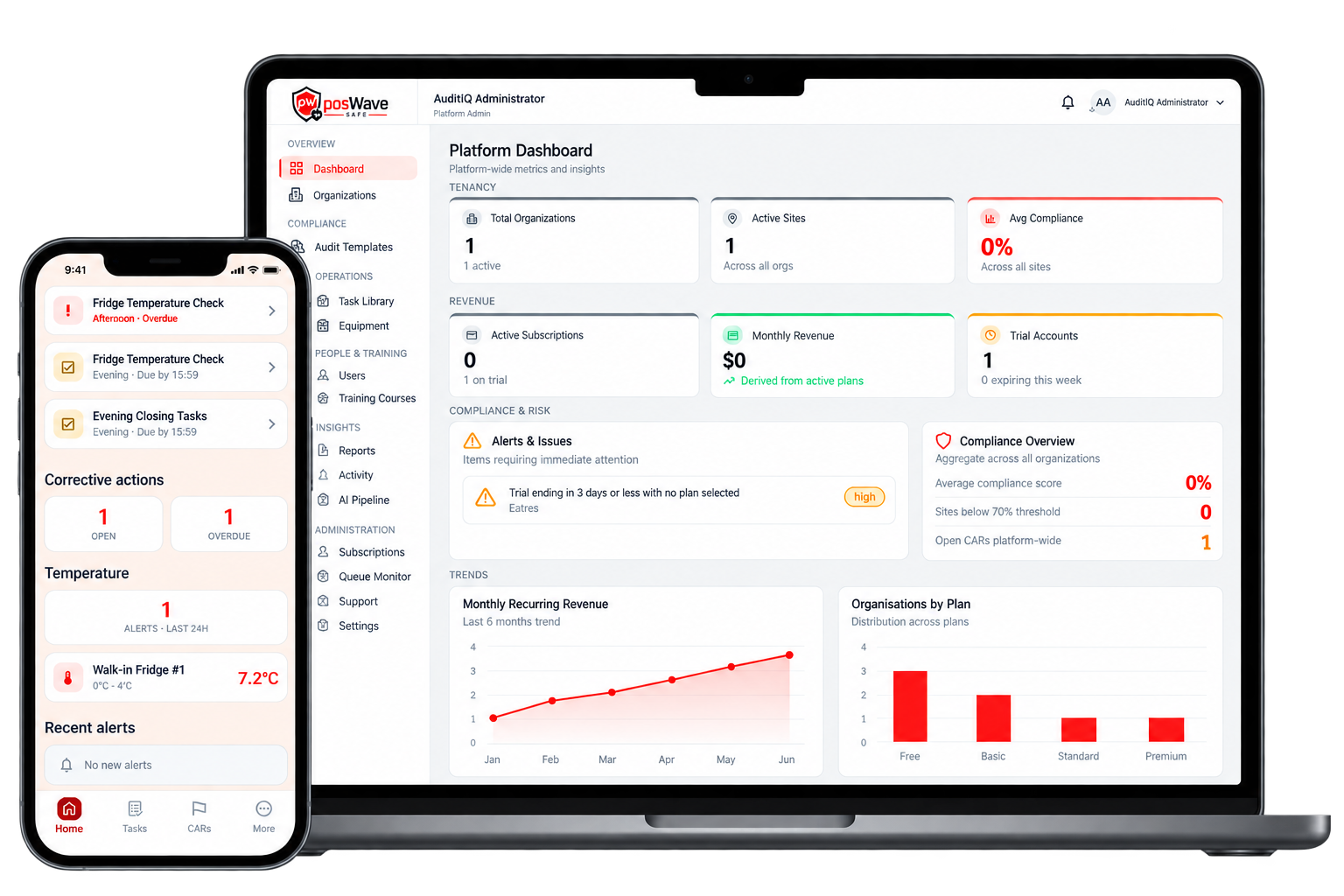
Every issue is assigned, tracked with evidence and signed off, so none are left open.
Temperature Monitoring
Log fridge, freezer and hot-hold readings against safe ranges, and get alerts when a reading goes out of range.
Tasks & Checklists
Daily, weekly, fortnightly, monthly and quarterly checks on a task board, plus event-based tasks as they happen.
Received Goods Records
Record each delivery with its supplier and product temperatures. Out-of-range goods raise a corrective action.
Equipment Register
Keep track of every fridge, freezer and appliance at each site, along with its maintenance due dates.
Staff Training Register
Assign courses, issue certificates and see which staff have certificates close to expiry.
Documents & Suppliers
Keep your food control plan documents in folders, alongside a register of your approved suppliers.
Reports & Exports
Get compliance reports for any site and date range, and export them as PDF, CSV or Excel.
Compliance Calendar
See upcoming audits, tasks and deadlines for all your sites on one calendar.
Alerts & Notifications
In-app, email and push notifications for due tasks, temperature alerts and new corrective actions.
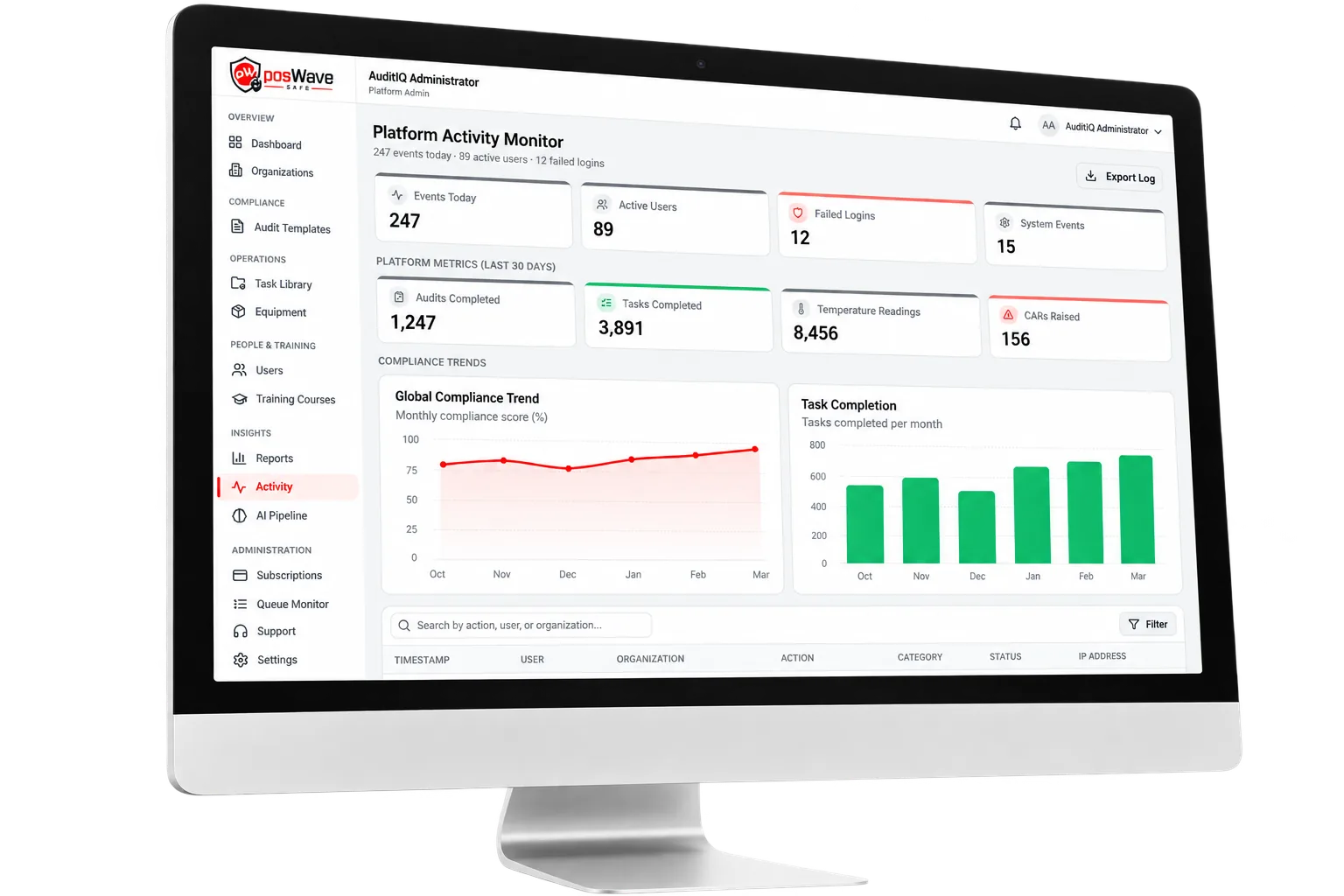
Multi-Site Dashboards
Owners see every site at a glance. Site managers see only their own locations.
Templates Built Around the NZ Food Act
You don't need to start from a blank checklist. The posWave team uses AI to turn NZ Food Act requirements and regulatory guidance into structured audit templates. Each template is reviewed before it's added to your library, so you can start auditing on day one.
- Ready-made audit templates organised by category and requirement.
- Add a template to your organisation and tailor it to how your kitchen works.
- Question-level scoring shows exactly where each site is falling short.
Ready to Make Food Safety Simple?
Book a demo and we'll show you how posWave Safe can run your food control plan across every site, from daily temperature checks to your next verification visit.